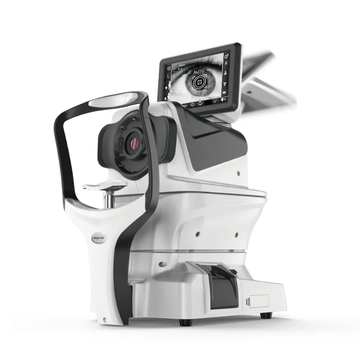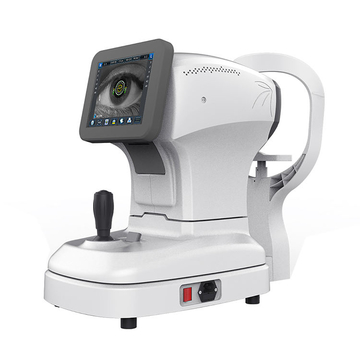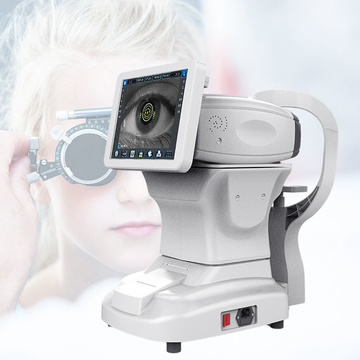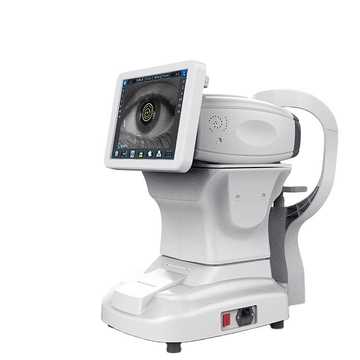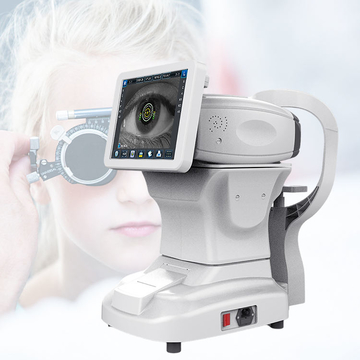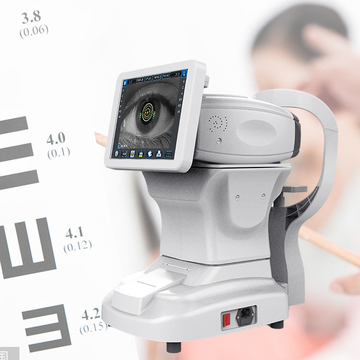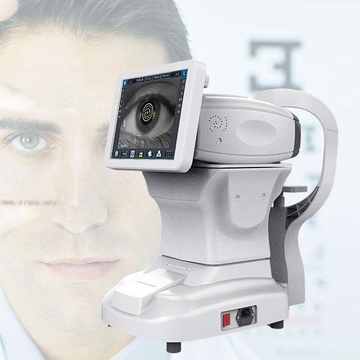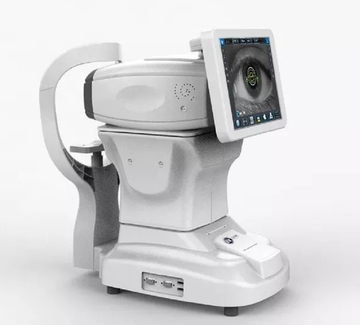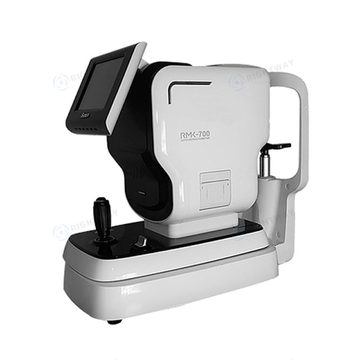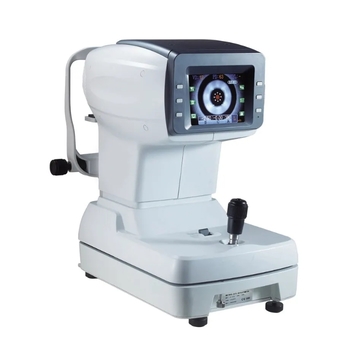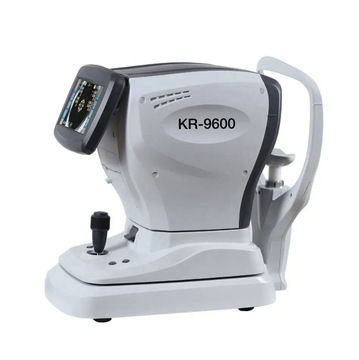
How to measureAutomatic Measurement Mode Tap to select the measurement mode as "Automatic" measurement mode (A), and "Auto" will appear on the screen.Once the person's pupil is visible on the screen, tap on the center of the pupil. This will cause the nose to automatically move towards the center of the pupil, focus, and then the system will start measuring automatically.In the automatic measurement mode, once the measurement for one eye is completed, the nose will automatically move to the center of the pupil of the other eye to complete the automatic measurement. (Note: The system
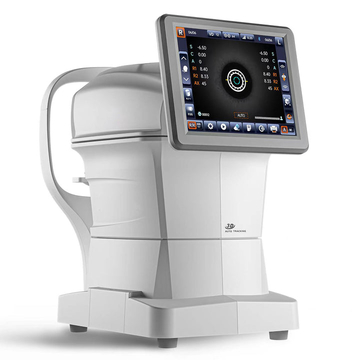
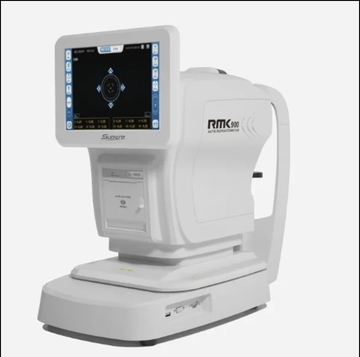
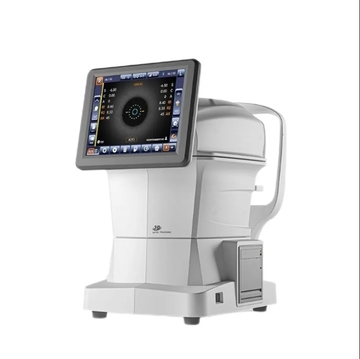
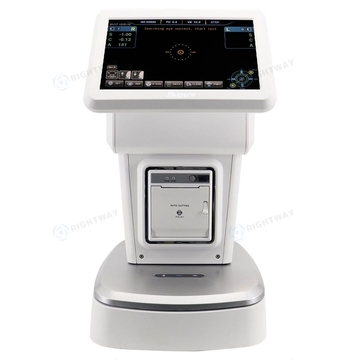
Automatic paper cuttingBuilt-in thermal printerEasy to change paperAutomatically cut paper after printingOperation interfaceAutomatic tracking, automatic measurementAutomatic measurementData Storing:Each 10 measured values of left eyes and right eyesAxis:1-180 degreeMonitor:SHARP10.4" TFT LCD touch screen(Angle of view adjustable)Built-in printer:57mm thermal printerElectrical:AC 100-250V,50/60HZCorneal Astigmatism: 0.00-15.00d(0.06D/0.12D/0.25D Unit)Radius of curvature: 5.0-10.0mm(0.01mm unit)
Monitor:SHARP10.4" TFT LCD touch screen(Angle of view adjustable)Built-in printer:57mm thermal printerElectrical:AC 100-250V,50/60HZCorneal Astigmatism: 0.00-15.00d(0.06D/0.12D/0.25D Unit)Radius of curvature: 5.0-10.0mm(0.01mm unit)
SpecificationAutomatic paper cuttingBuilt-in thermal printerEasy to change paperAutomatically cut paper after printingOperation interfaceAutomatic tracking, automatic measurementAutomatic measurementData Storing:Each 10 measured values of left eyes and right eyesAxis:1-180 degreeMonitor:SHARP10.4" TFT LCD touch screen(Angle of view adjustable)Built-in printer:57mm thermal printerElectrical:AC 100-250V,50/60HZCorneal Astigmatism: 0.00-15.00d(0.06D/0.12D/0.25D Unit)Radius of curvature: 5.0-10.0mm(0.01mm unit)
view {{page_size}}
Sort by :{{pop_rules}}
Sort by :Popularity
Price: Low to High
Price: High to Low
Newest First
Popularity
Categories
{{cate.name}}
{{cate.name}}